
Here’s how:
-
Search by postcode – Use the search box on the homepage. Enter your postcode to see roles nearby, or leave it blank to explore everything.
- Search by keyword- In the search box on the homepage, you can use keywords to search for relevant opportunities
-
Filter your results:
-
In person / remote / both – choose how you want to volunteer
-
Charity – search by name if you already know the organisation
-
Category – browse by cause (e.g. health, animals, environment, arts, community support)
-
-
Explore roles – Each listing explains what’s involved, who you’ll be helping, and any requirements.
-
Apply – Click the apply button and your application will go straight to the charity. Some roles may also ask for quick ID verification through Yoti for safeguarding.
Please note: if you're viewing via desktop, the apply button stays in the top right hand corner of the screen so scroll to the top of the page to click apply!
Once submitted, your application will appear in your dashboard. The charity will review it and get back to you.
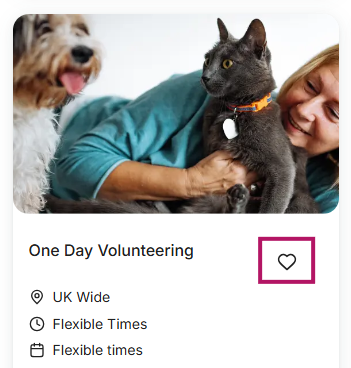
💡 Tip: Use the heart icon to favourite an opportunity and save it for later.
What to do if you can't find any opportunities that suit you on the GoVo platform
There are new opportunities being added to GoVo daily so we urge you to keep checking back if you can't find anything suitable straight away!
Also, make sure you're using all the different search functionality and even search by category to find a volunteering opportunity that aligns with your interests.
We are also looking at building out our skills-based volunteering opportunities in early 2026 which will allow you to add your key skills to your GoVo profile and match with charities looking for volunteers with those particular skills.
Can I apply for more than one role at a time?
Yes — you can apply for more than one opportunity on GoVo. This gives you the flexibility to:
-
Apply for a few different roles to see which ones fit best
-
Combine short-term and long-term volunteering
-
Explore different causes and types of activities
A few things to keep in mind
-
Be realistic about your time — only commit to the roles you can manage comfortably.
-
Charities may take different amounts of time to respond, so you could hear back at different stages.
-
If you accept multiple roles, it’s important to communicate clearly with each charity about your availability.
💡 Tip: Many volunteers try more than one role before finding their best fit — so don’t be afraid to explore, but make sure you can follow through on the opportunities you take on.
Read our next article What happens after I apply for an opportunity?