
How to Save an Opportunity
You can save opportunities in two ways:
From Search Results When browsing through volunteering opportunities on the search results page, click the Heart icon on any opportunity card to save it to your list.

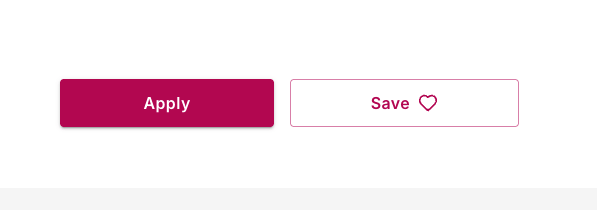
From Opportunity Details After opening a specific opportunity to view its full details, click the Save button at the top of the page to add it to your saved list.
Accessing Your Saved Opportunities
To view all the opportunities you've saved:
-
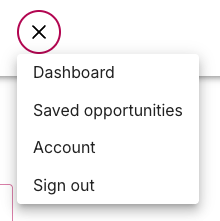
Click the menu icon (three horizontal lines) in the top navigation bar

-
Select "Saved opportunities" from the dropdown menu
-
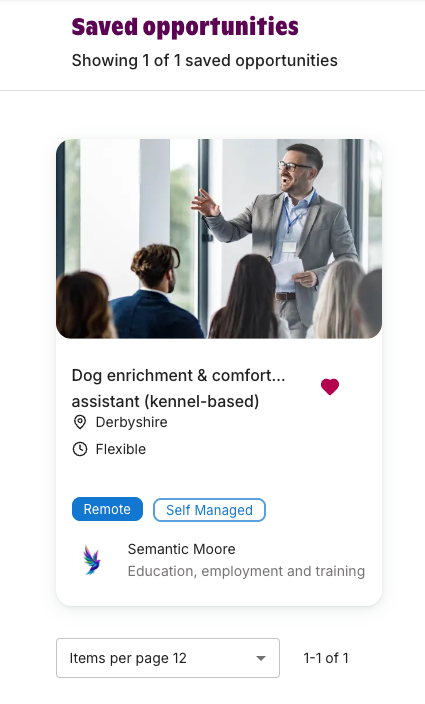
You'll see a complete list of all opportunities you've bookmarked
Why Use Saved Opportunities?
This feature is helpful when you want to:
-
Compare multiple volunteering opportunities before making a decision
-
Keep track of opportunities you're interested in but aren't ready to commit to yet
-
Build a shortlist of your favourite options
-
Return to opportunities you discovered earlier without having to search again
Managing Your Saved List
You can remove opportunities from your saved list at any time by clicking the Heart icon again (to remove from search results) or the Save button (to remove from the details page). The icon or button will update to show whether an opportunity is currently saved.