
Go to your manage members tab and click the three dots under the action column on the team member you would like to assign as an admin. You can also revoke admin access here too.
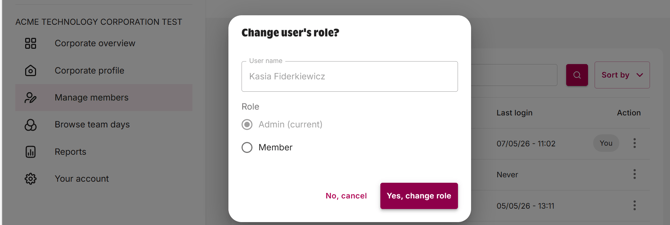
You can also view users last login date here and also sort and filter the table.
Users will show as suspended or blocked if their SSO access has been revoked or if there is a discrepancy between their account details and their Yoti ID check.
Read our next article What kind of cybersecurity does GoVo have?